top of page


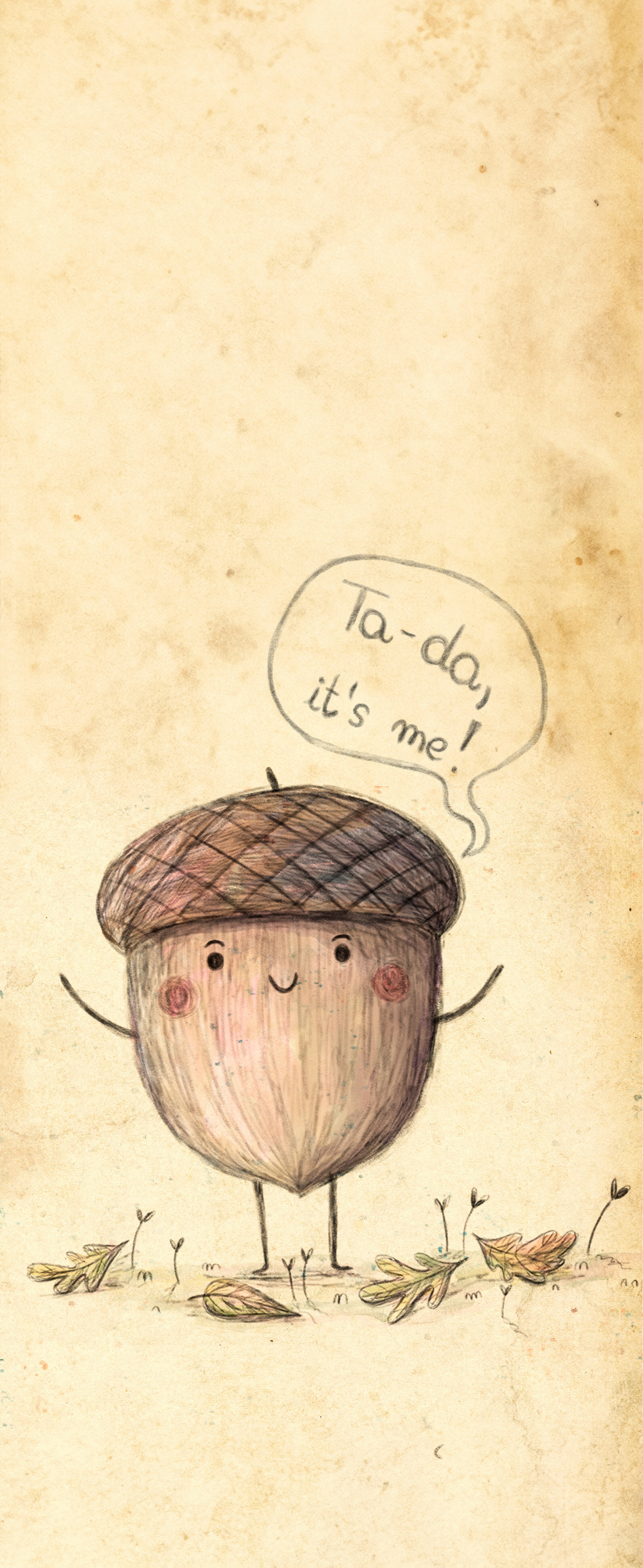
✨ Your happy acorn is ready for you
Thank you for joining my little Pocket of Magic 💛
Your cozy acorn is so excited to move into your phone and keep you company. 🍂✨
Click on the Acorn to download the wallpaper!
How to set it up:
On iPhone/iPad (iOS):
1. Tap and hold the image, then select Save to Photos.
2. Open the Photos app, find the acorn, tap the Share icon, and choose Use as Wallpaper.
3. Adjust to fit, then tap Set for Lock Screen, Home Screen, or both.
On Android (varies by device):
1. Tap and hold the image, then select Download or Save Image.
2. Open your Gallery/Photos app, locate the acorn, tap the Menu (three dots), and select Set as Wallpaper.
3. Choose Home Screen, Lock Screen, or both, then adjust and confirm.
bottom of page